 Capo
CapoNew · iOS fretboard companion
Chords & scales on your fretboard
Capo puts Sonid's chord and scale library on an interactive neck for guitar, bass, ukulele, mandolin, and more. Study voicings, intervals, and theory articles without leaving the fretboard.
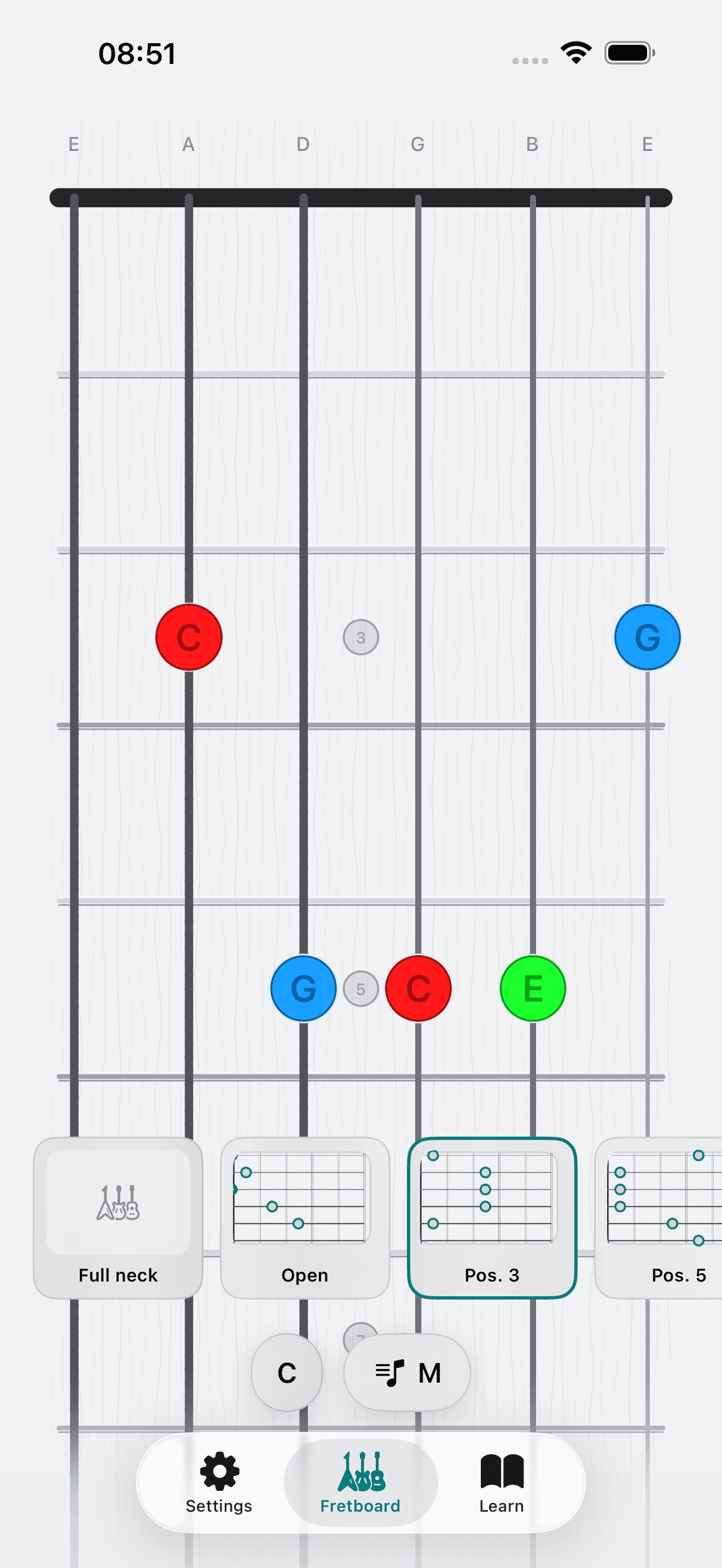
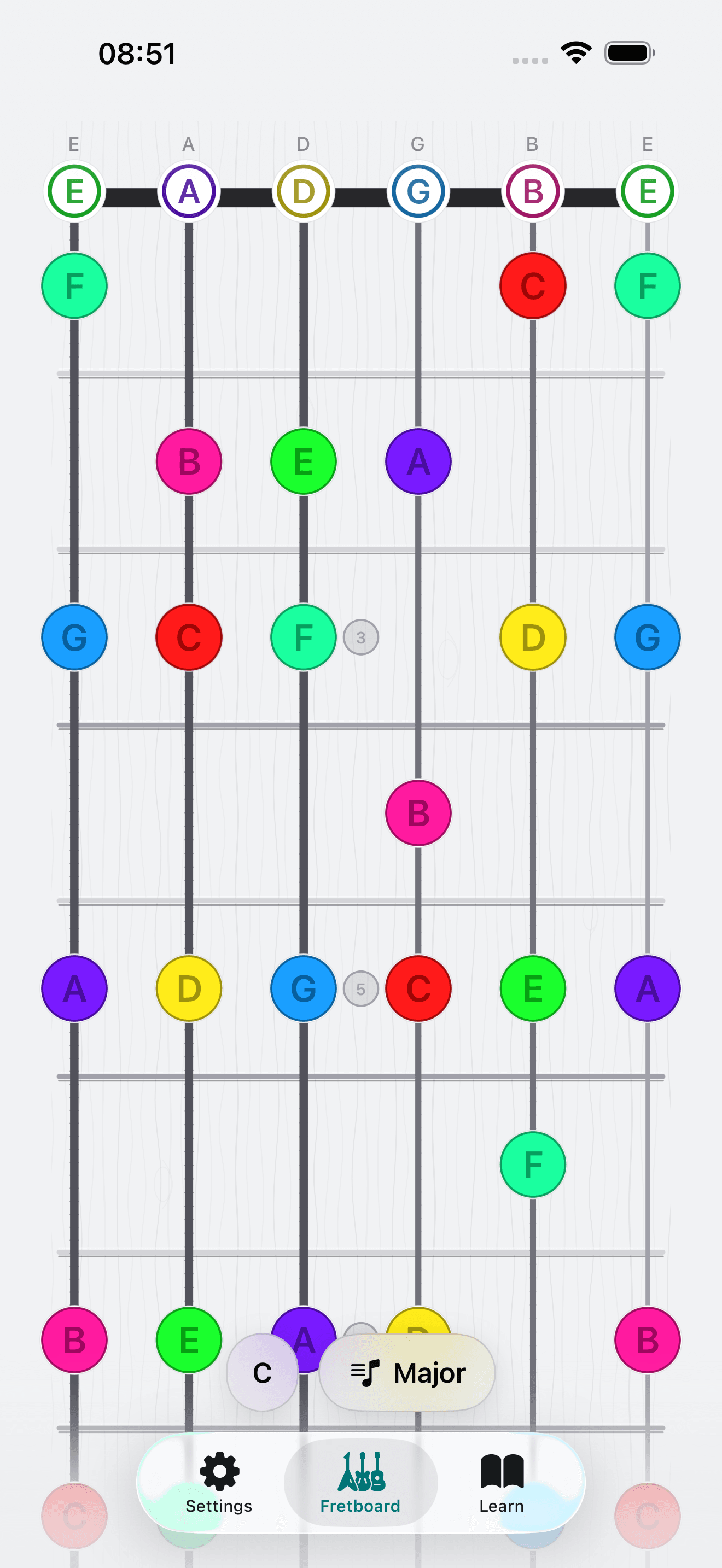
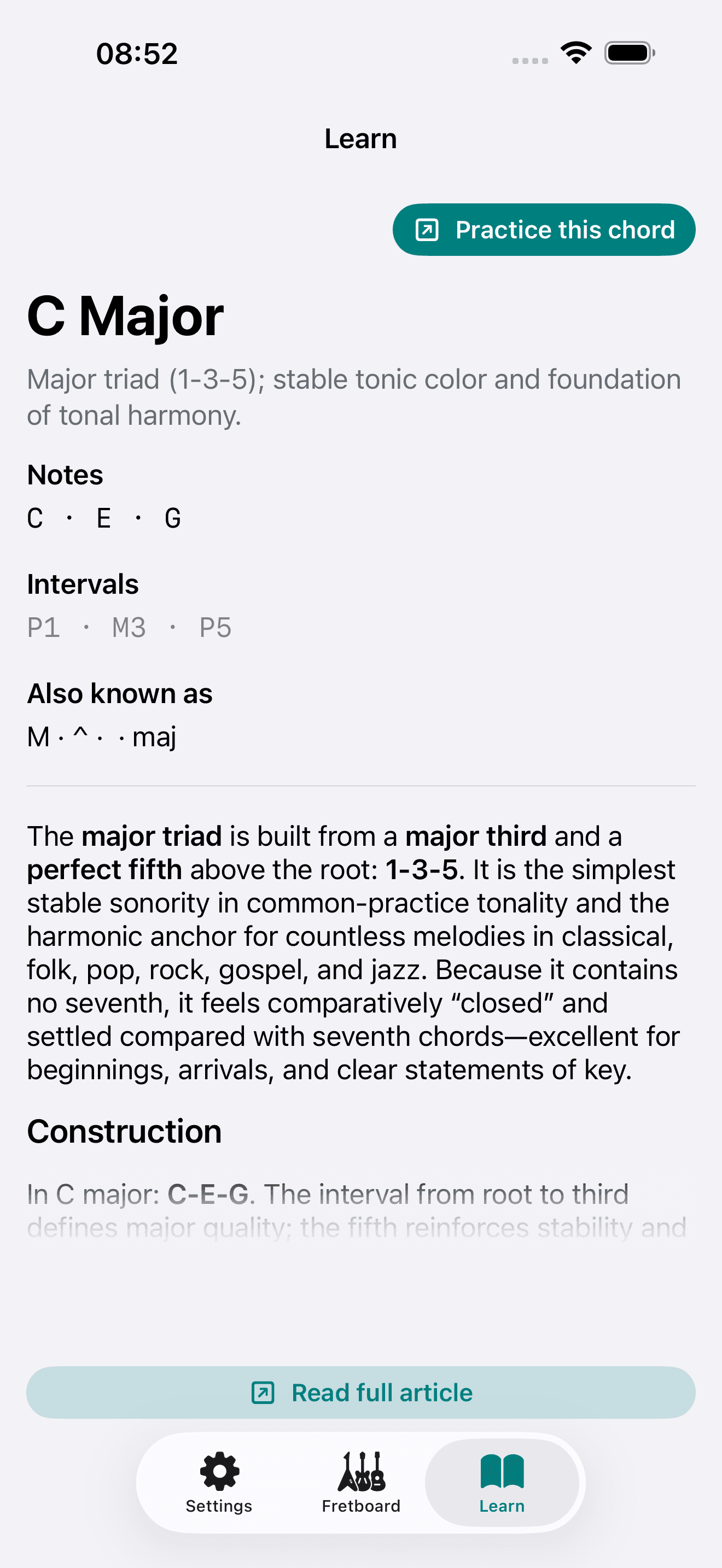
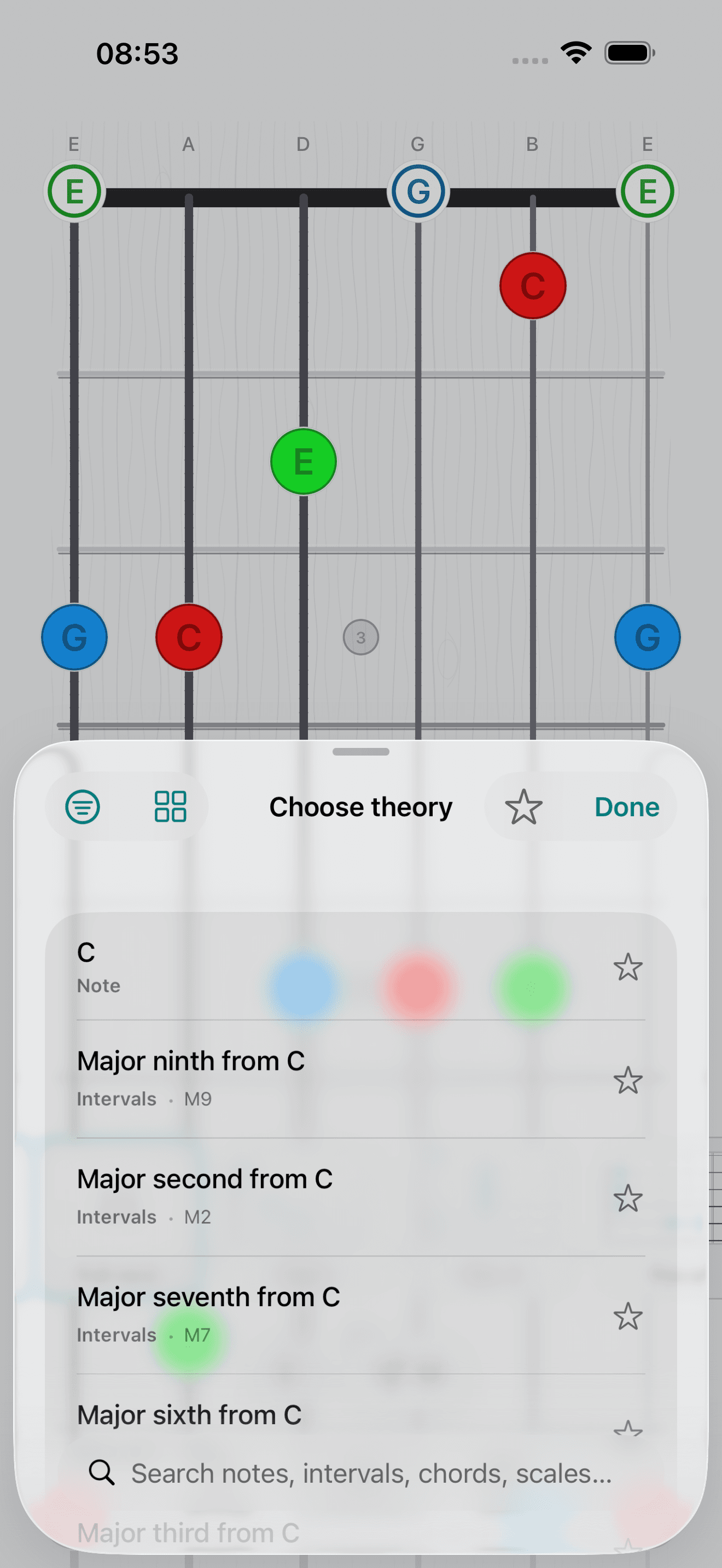
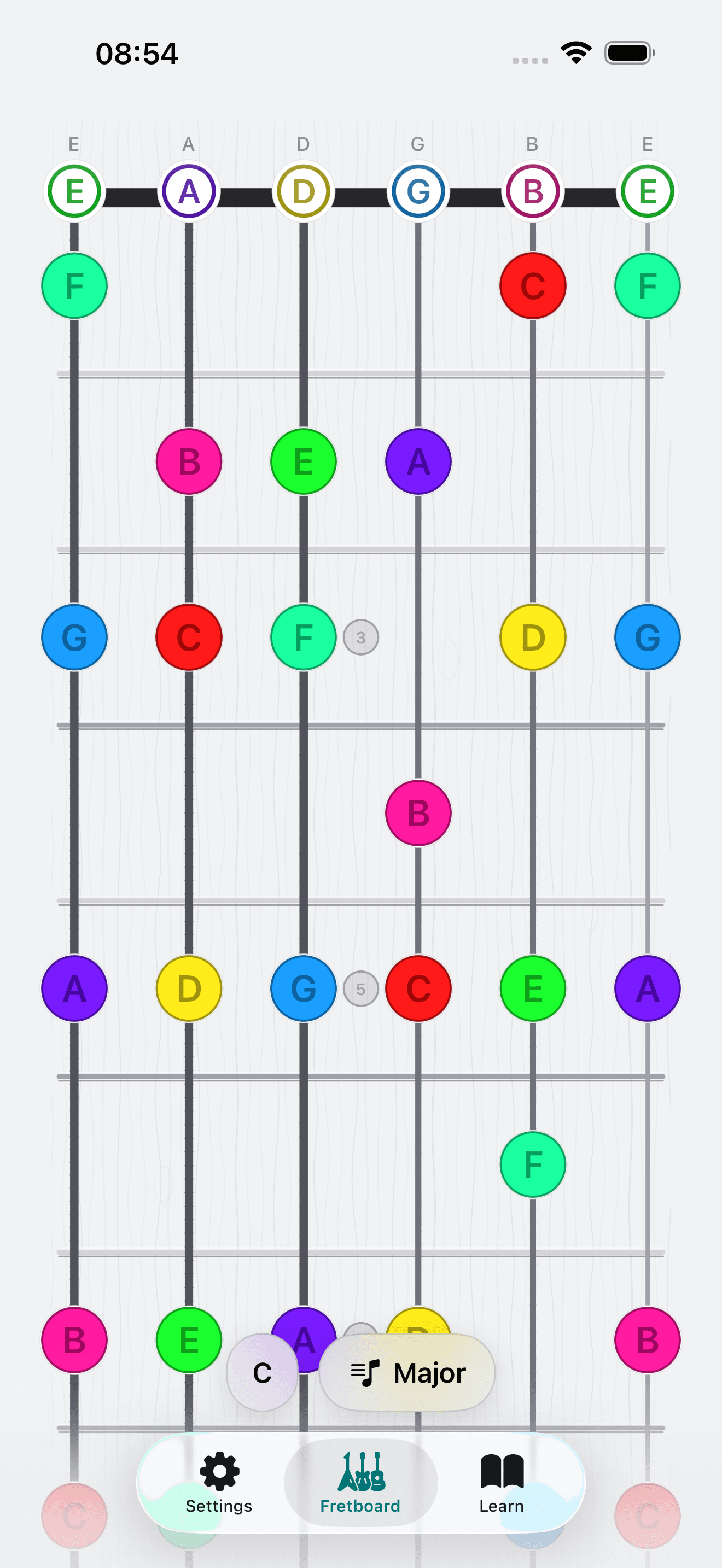
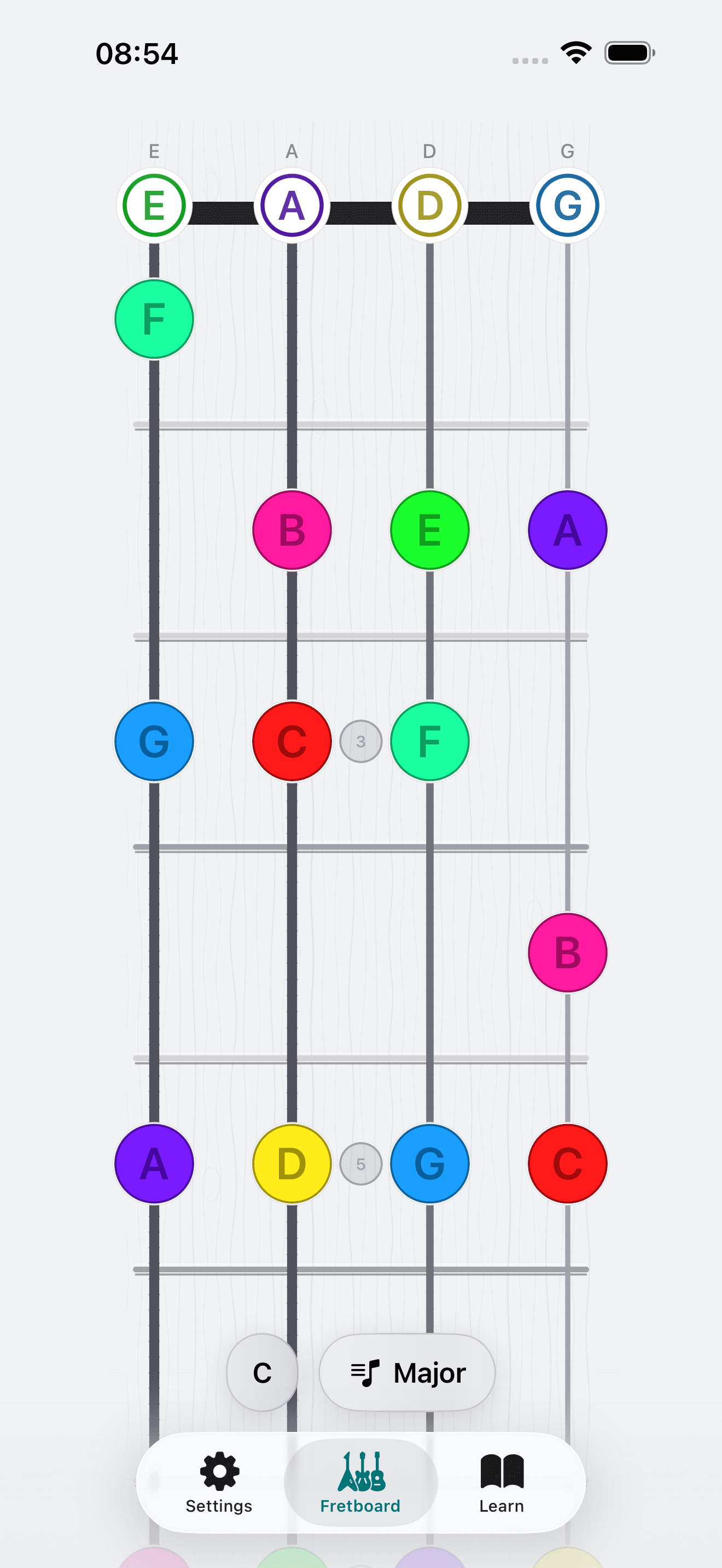
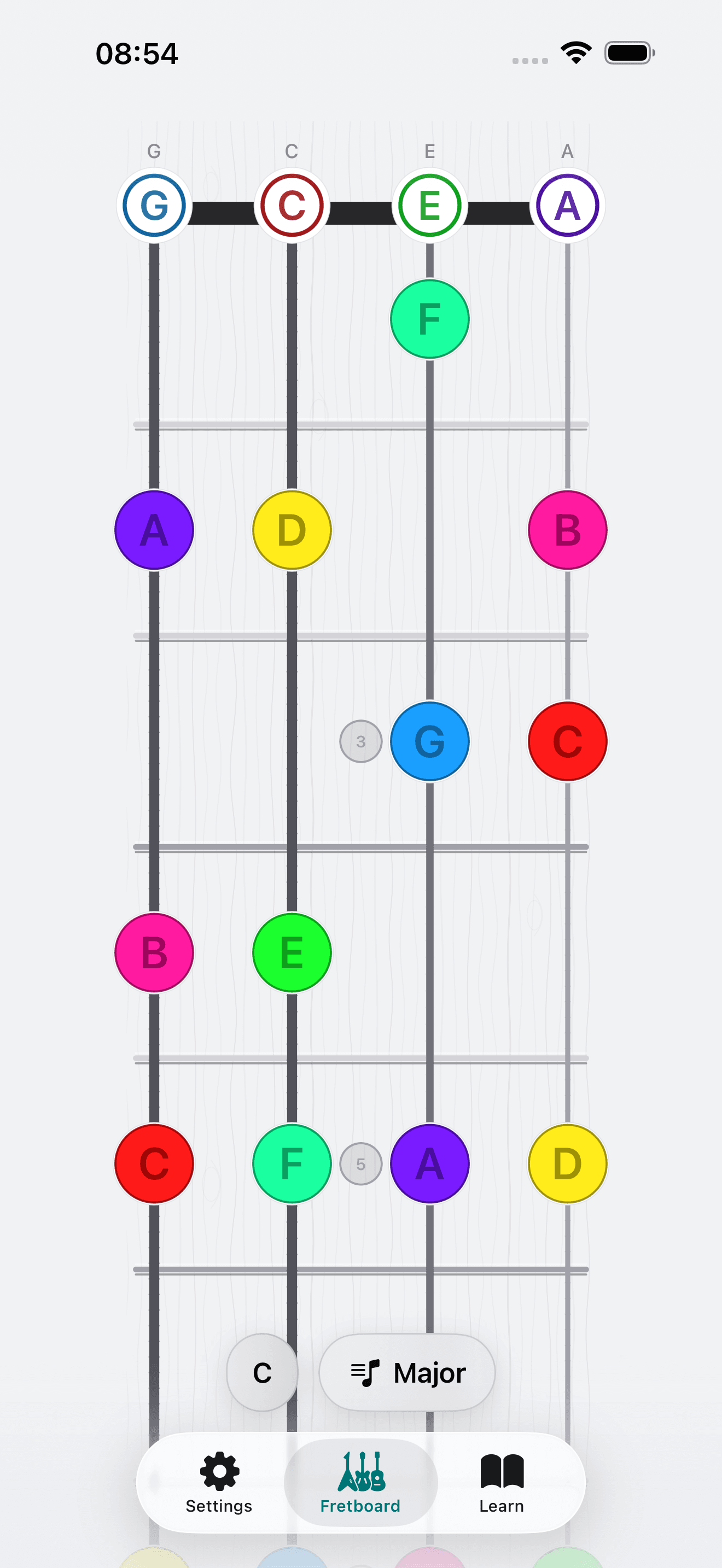
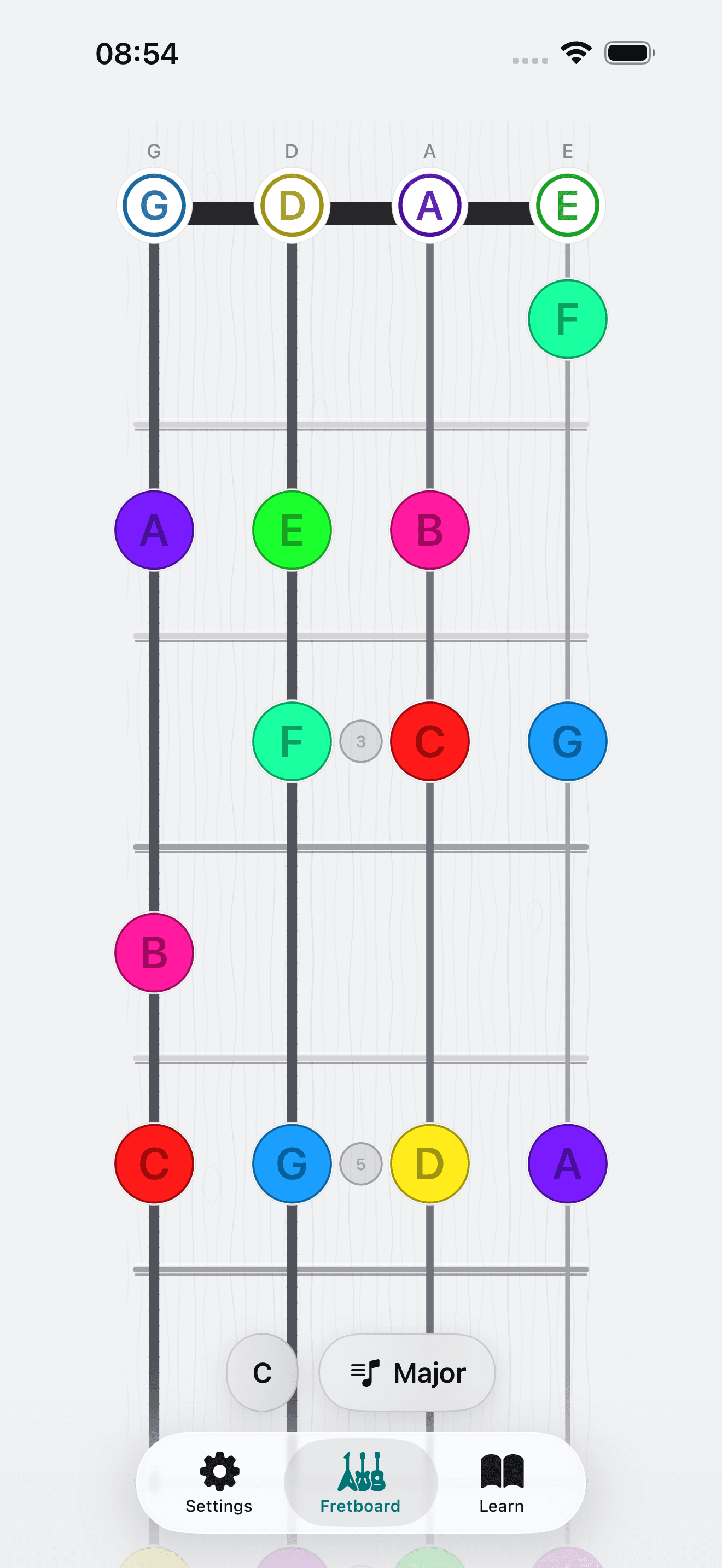
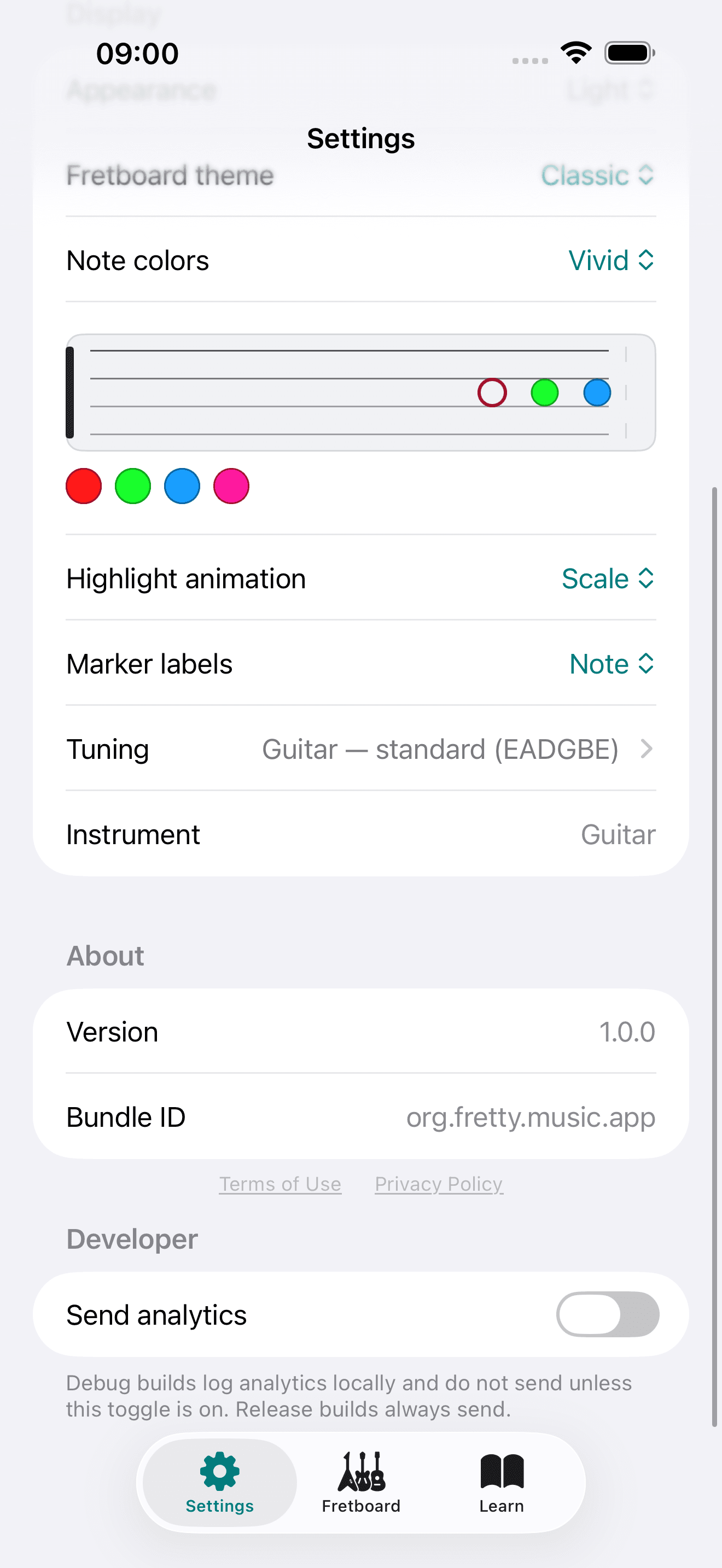
Everything on the neck
From quick chord lookups to deep scale study — Capo is the practice surface for Sonid theory on stringed instruments.
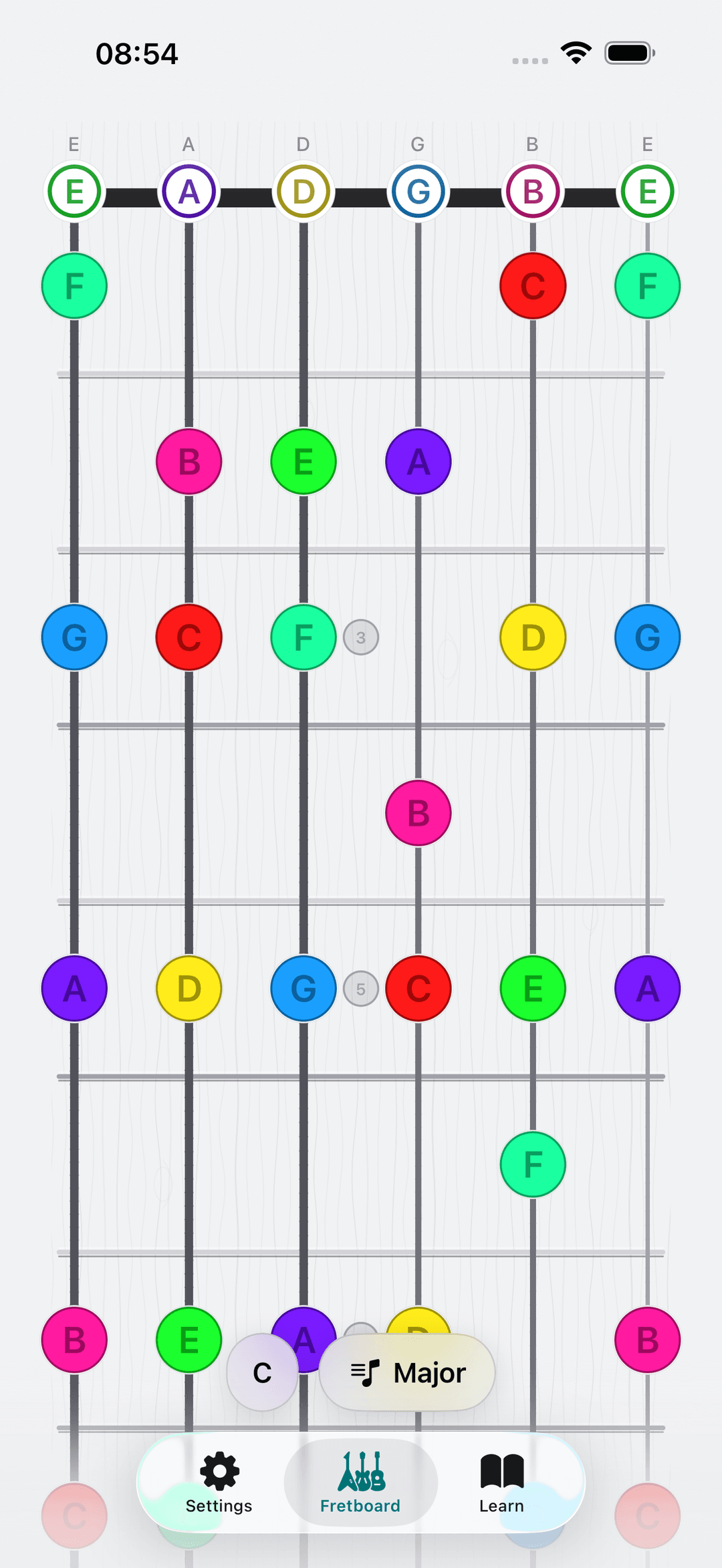
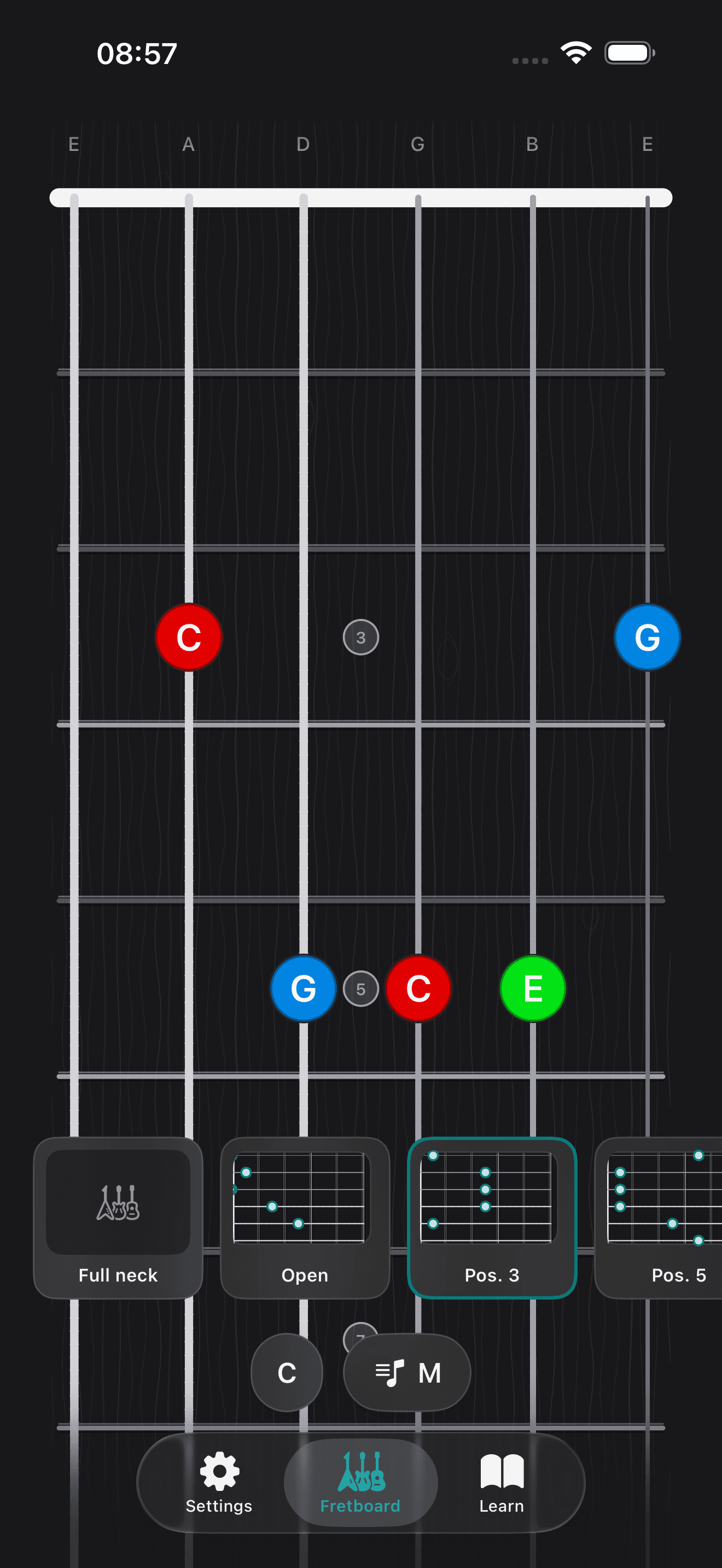
Interactive fretboard
Explore chords, scales, and intervals on a responsive neck diagram. Tap any note for pitch, interval, and theory context.
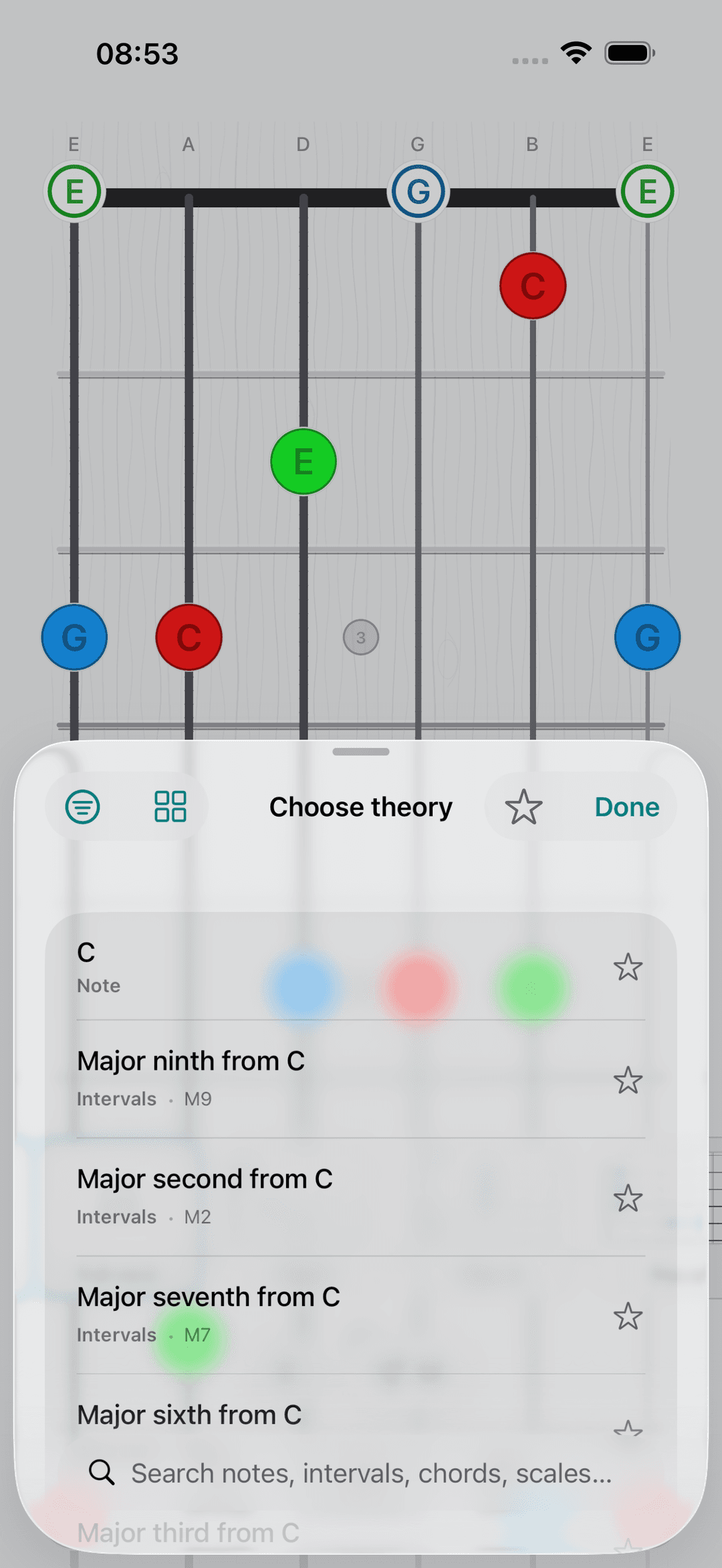
Sonid theory library
Search and favorite notes, intervals, chords, and scales from the same catalog that powers Sonid — with difficulty filters and tonic controls.
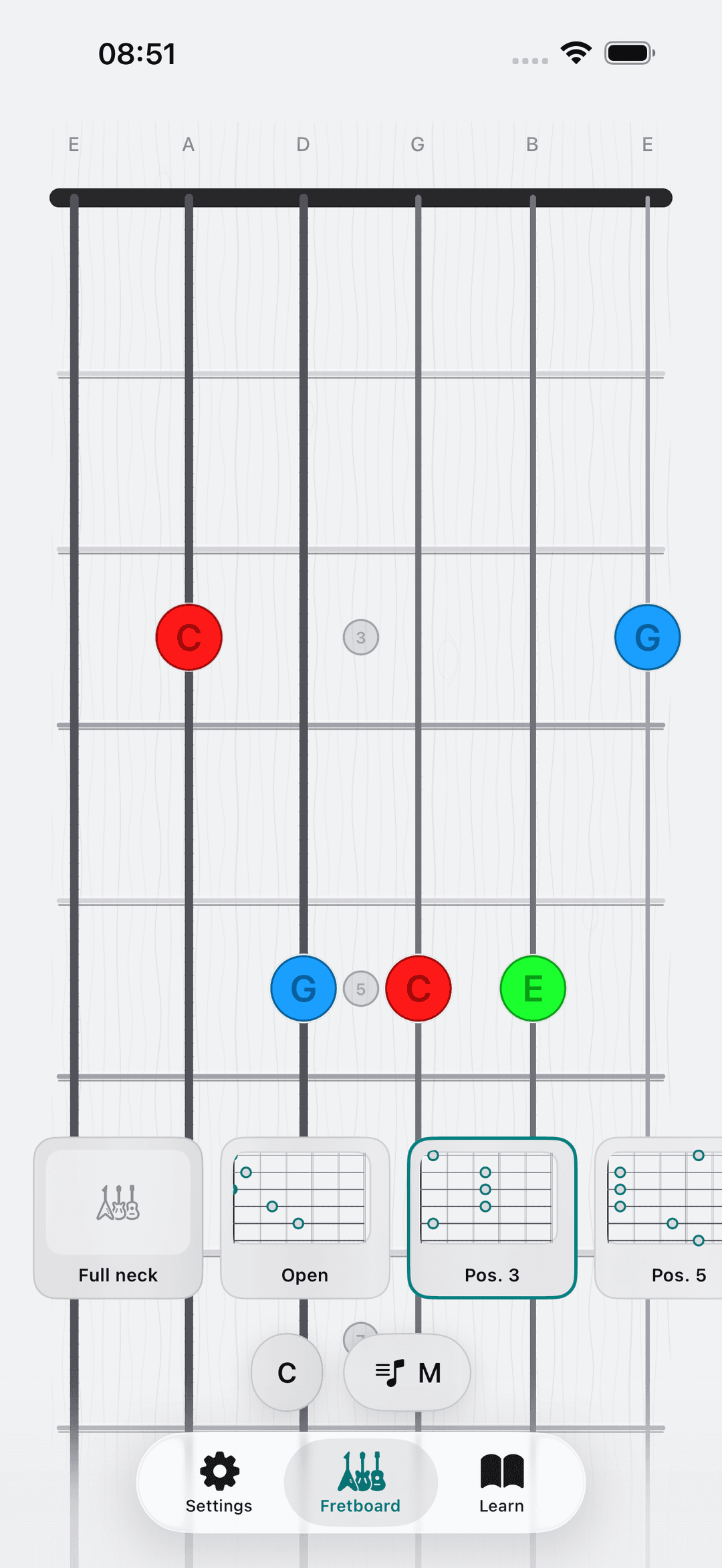
Voicings & full neck
Switch between curated guitar voicings from Sonid and a full-neck view that highlights every chord tone across the fretboard.
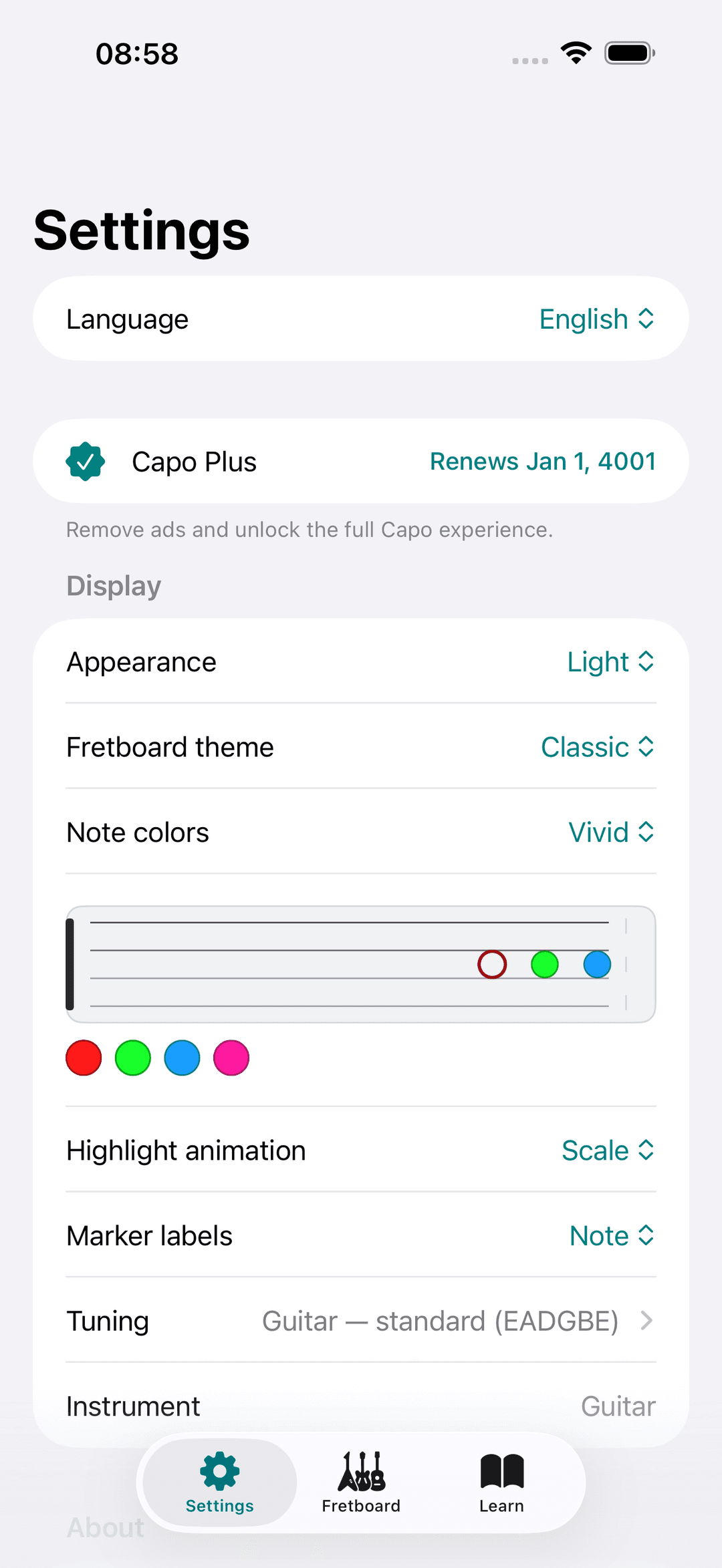
Per-note colors
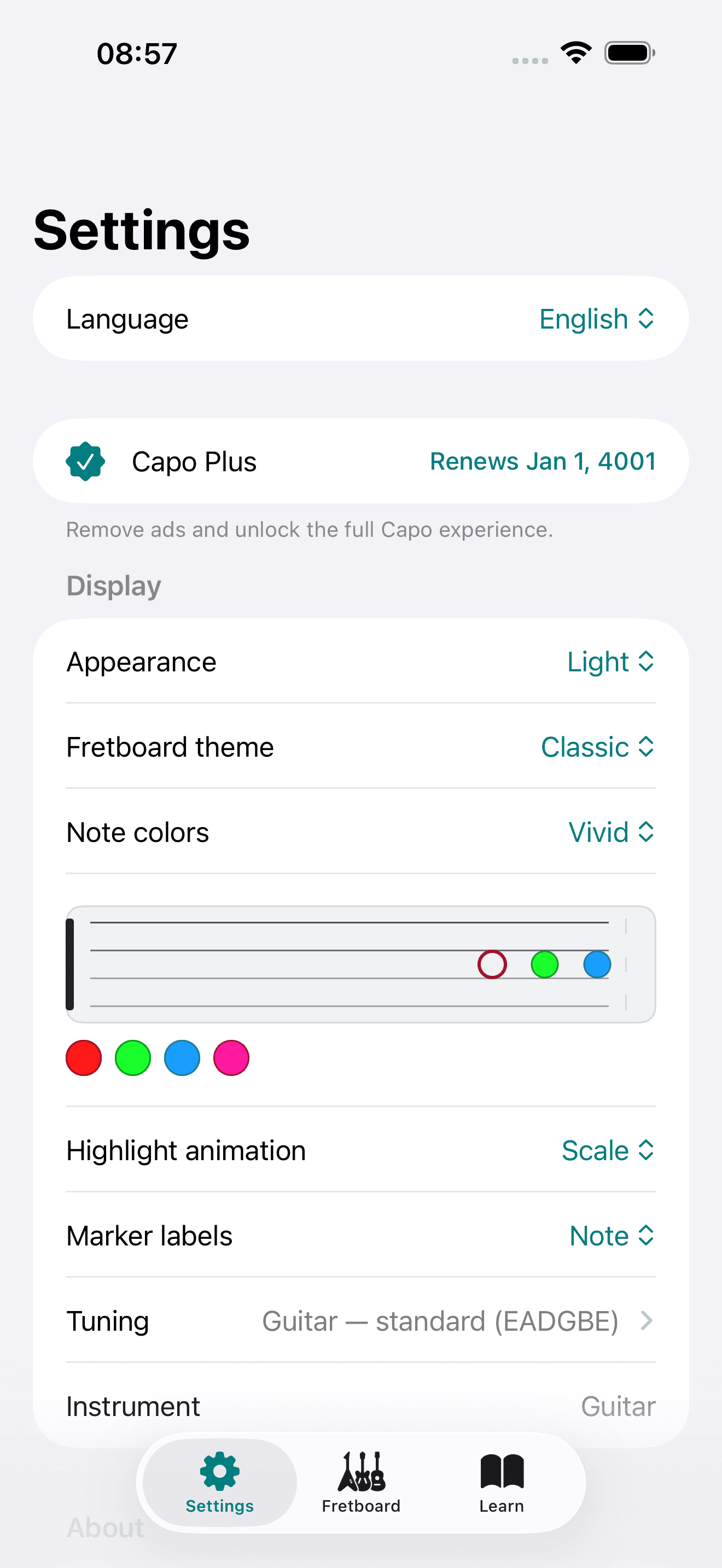
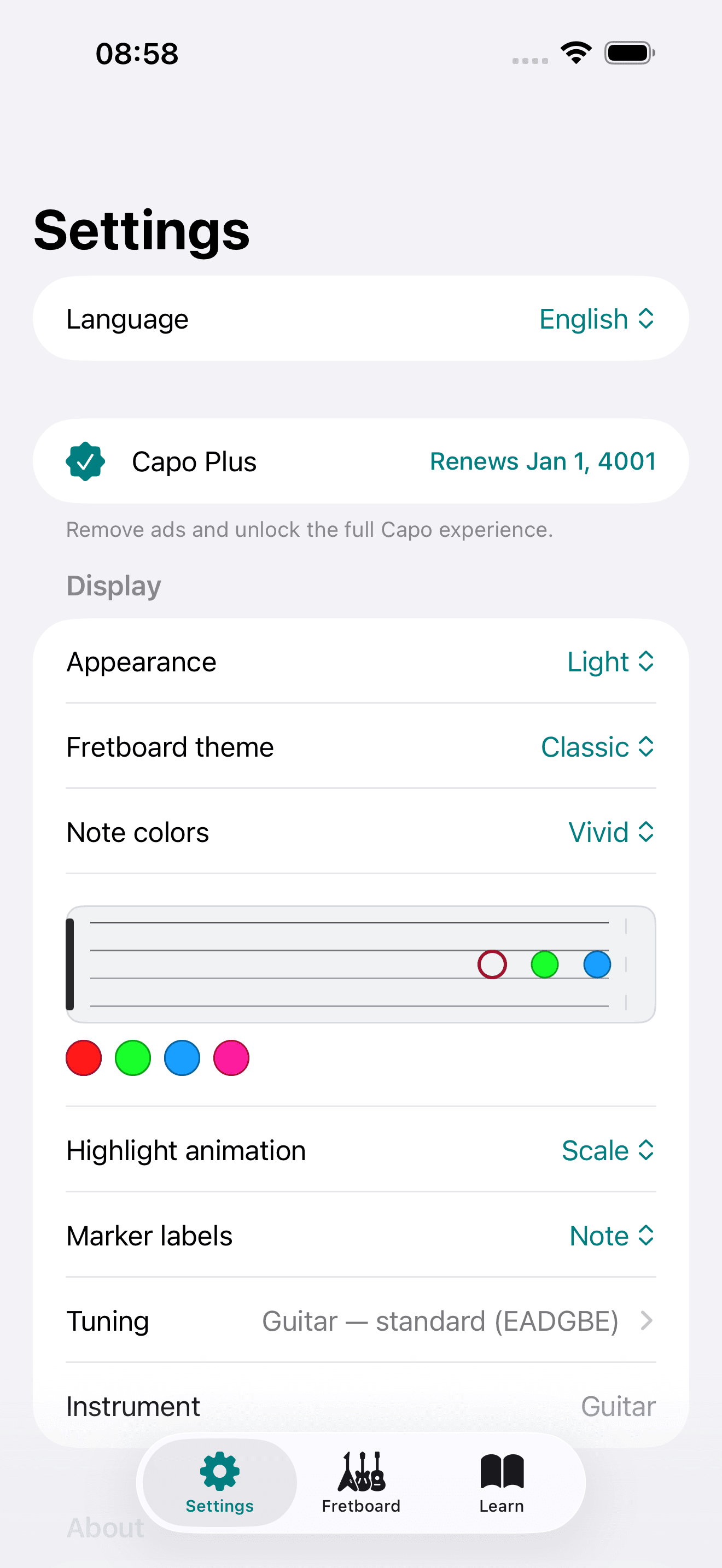
Color each pitch with the Sonid palette — the same hues used on piano keys and chord diagrams across sonid.app.
Flexible labels
Show note names, interval abbreviations, or fret numbers on the neck so you can study the way you think.
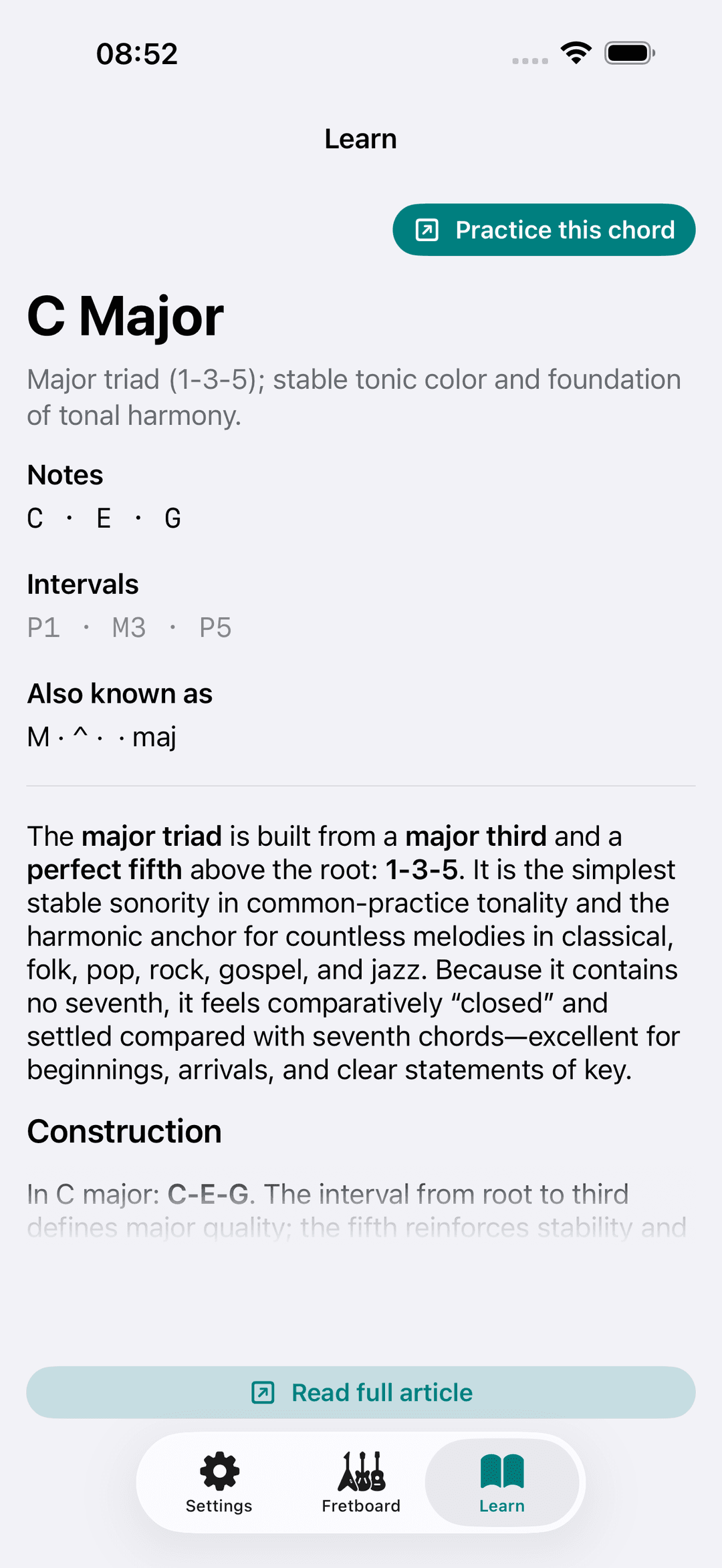
Learn tab
Read theory articles pulled from Sonid for the chord or scale you are viewing, without leaving the app.
Shareable deep links
Open any chord or scale from a link — on the web or straight into Capo on iOS — with locale-aware URLs.
Light, dark, or system
Match your device or pick a fixed theme. Capo respects your display preference everywhere in the app.
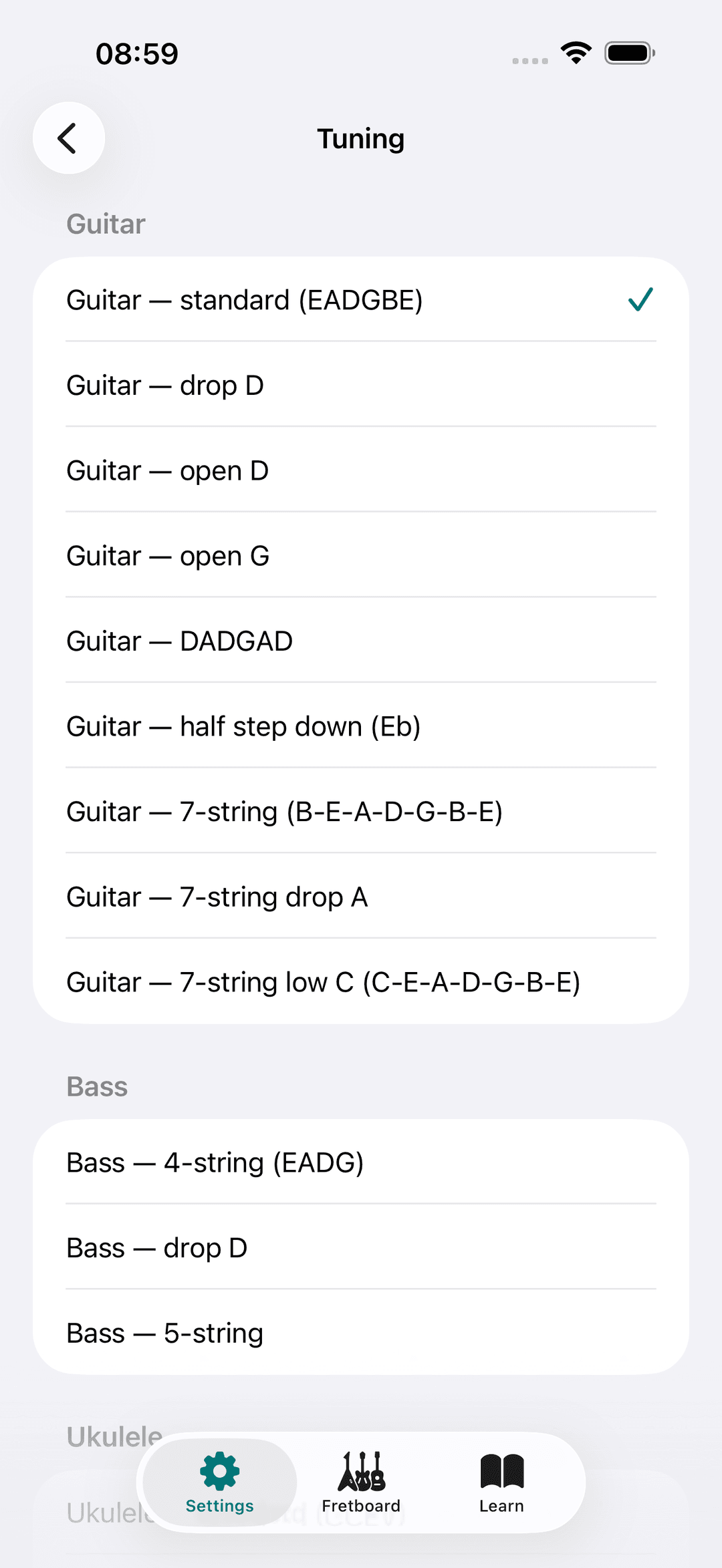
Plus
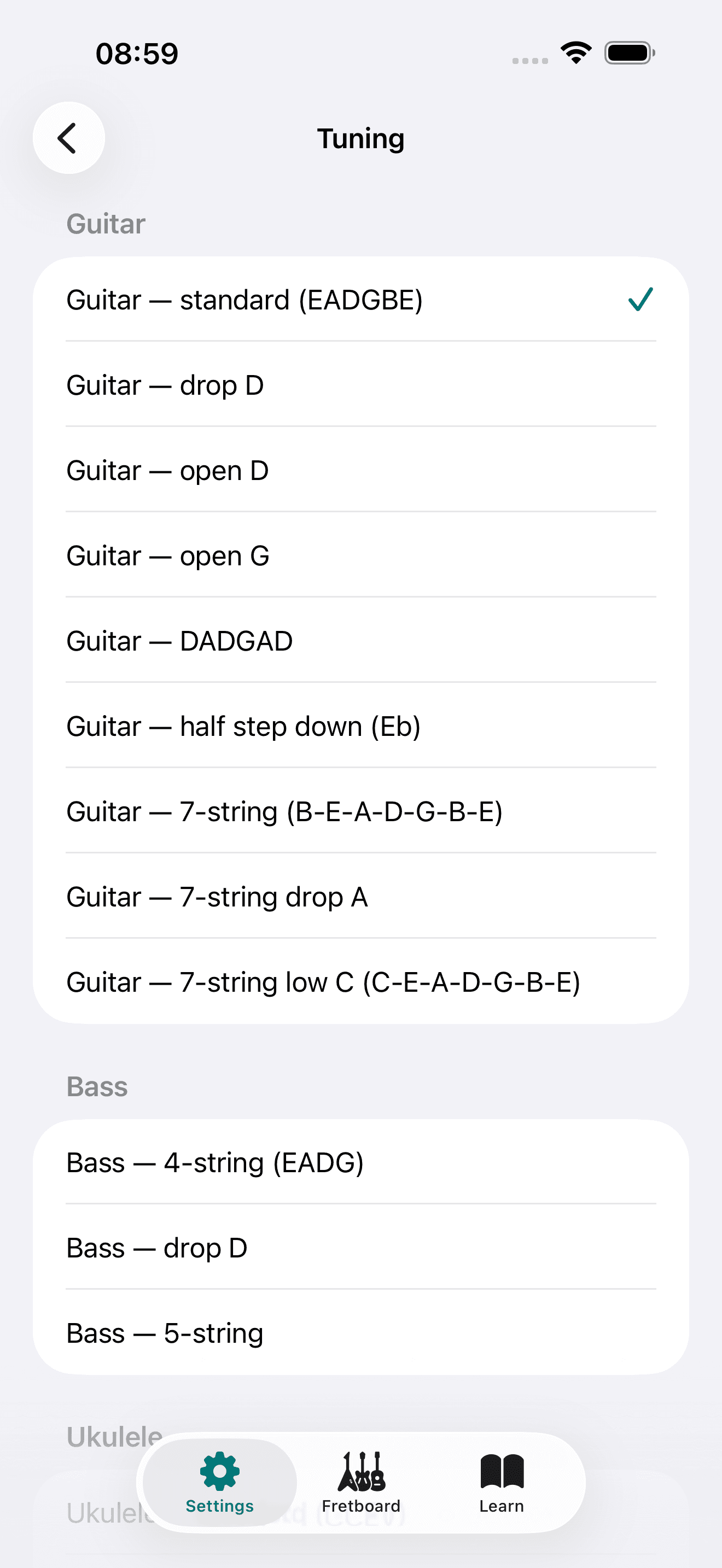
Alternate tunings
Unlock drop D, DADGAD, open tunings, 7-string layouts, and instrument-specific presets with Capo Plus.
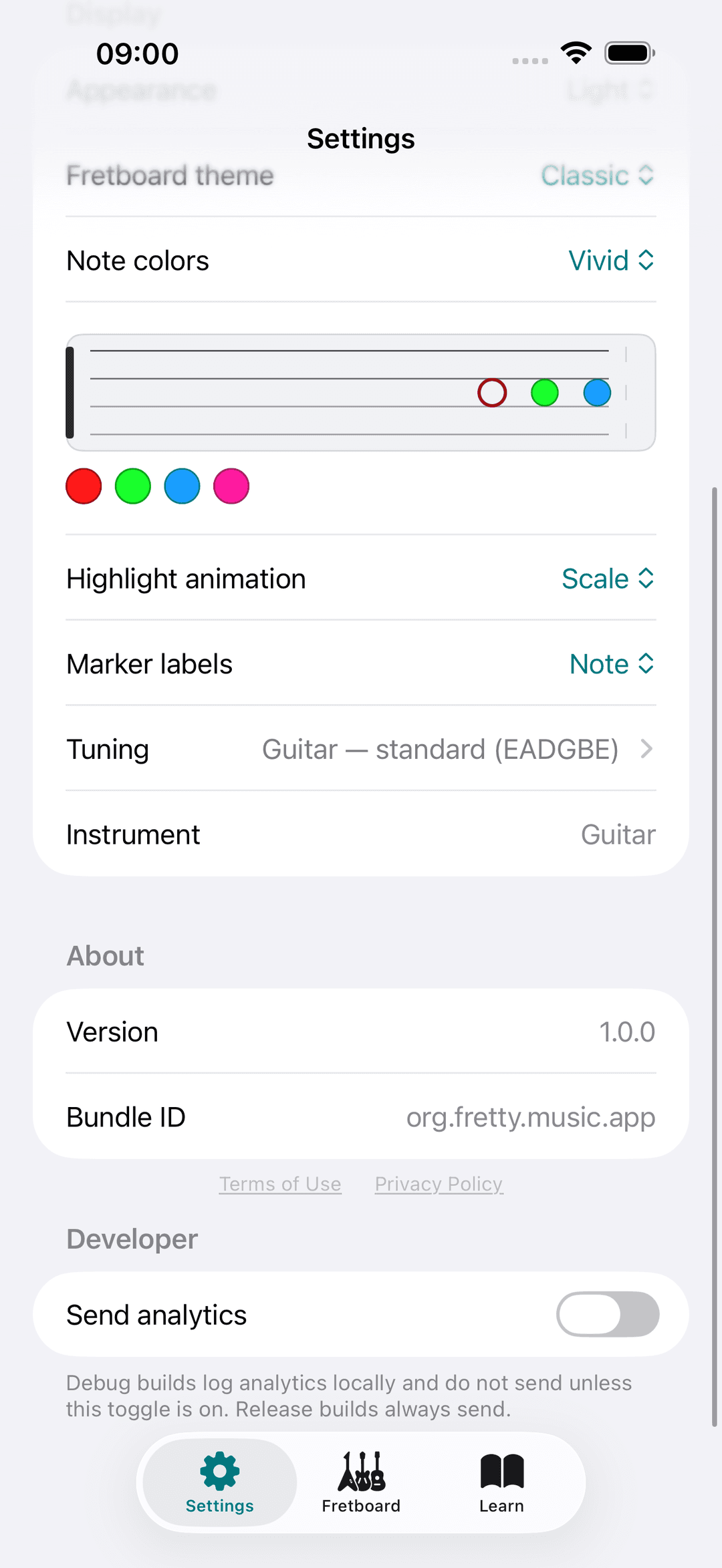
Plus
Ad-free practice
Capo Plus removes banner ads so you can stay focused on the neck during study sessions.
Built for your instrument
Switch neck layouts, tunings, and string counts. Capo adapts the same theory tools to the instrument in your hands.
Capo Plus
Ad-free practice and the full library
Subscribe to remove banner ads, unlock alternate tunings, and filter the theory picker by advanced difficulty levels — the same catalog as Sonid, on your fretboard.
- • Ad-free fretboard sessions
- • Drop D, DADGAD, open tunings, 7-string layouts
- • Full chord & scale library with harder filters